


Staying connected with your clients is key to building lasting relationships and creating an unforgettable photography experience. Whether you're capturing moments for families, couples, or brands, having the right tools in place makes all the difference. That’s where Iris Works shines. With its intuitive features and elegant design, Iris Works makes client management feel seamless and enjoyable. Here are five tips to help you stay in touch with your clients using this photography CRM.

Personalize Your Communication with Custom Templates
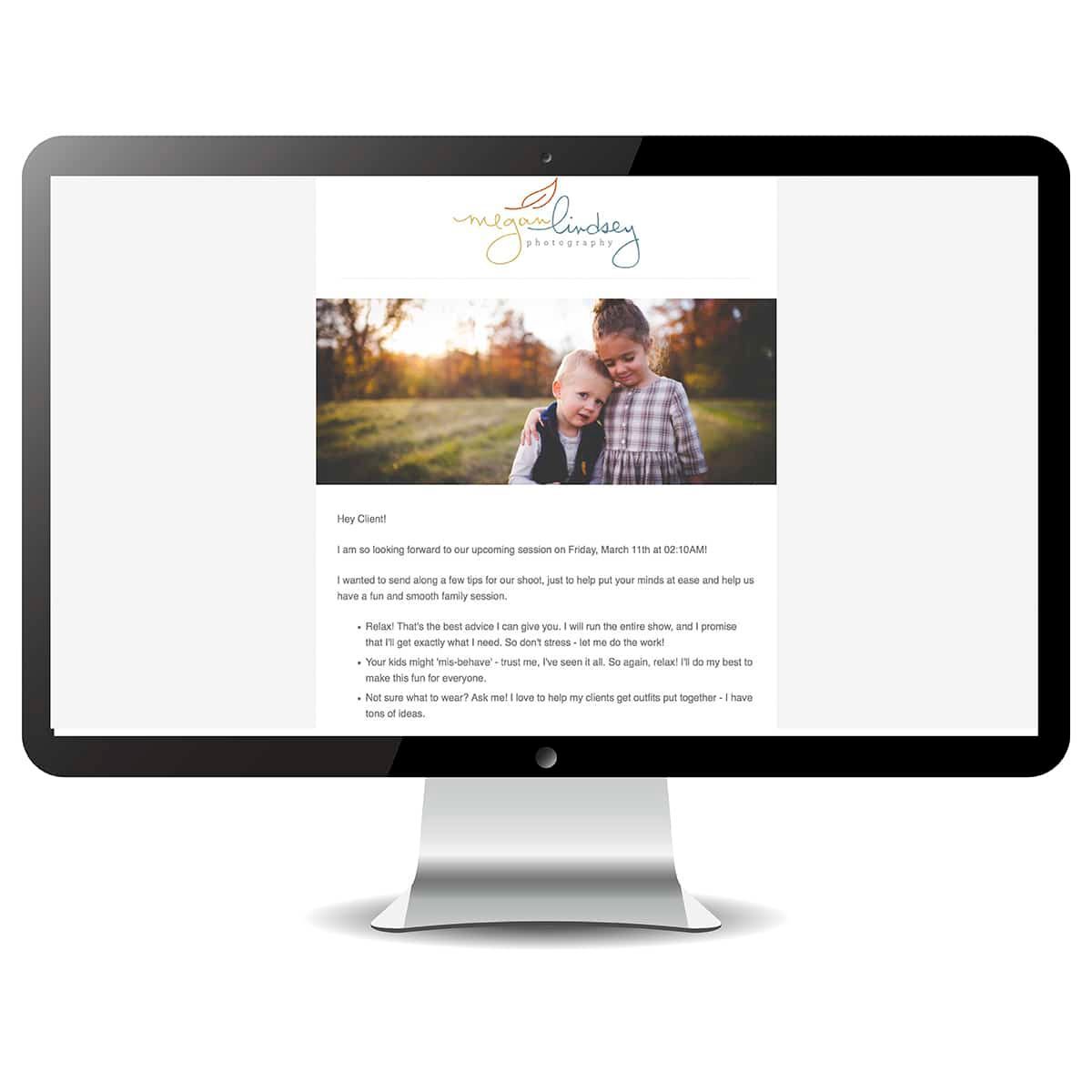
One of the greatest features of Iris Works is its ability to create custom email templates. These aren’t just generic messages; they can be tailored to reflect your unique style and voice. Whether you’re sending a soft reminder about an upcoming session or a heartfelt thank you, personalizing your messages ensures your clients feel special and valued. With Iris Works, it’s so easy to set these up and keep your communication warm and personal.
Automate Your Emails – But Make Them Feel Human
While automating communication might sound impersonal, Iris Works does a wonderful job of letting you create automations that still feel authentic. Set up workflows for things like booking confirmations, reminders, or follow-ups. The best part? You can schedule them ahead of time, ensuring that you never miss a beat with your clients. By automating these little touchpoints, you're able to keep the connection alive without the overwhelm.
Use Client Notes to Remember the Little Things
Another helpful feature of Iris Works is the client notes section. This is where you can jot down small details that make all the difference—like their favorite coffee shop, their dog’s name, or the special milestone they’re celebrating. Keeping these details on hand helps you stay connected in a thoughtful and meaningful way. Plus, it shows your clients that you truly care about their story.
Organize Your Calendar and Set Gentle Reminders
Life as a photographer can get busy fast, and staying organized is key to maintaining that personal touch with your clients. Iris Works’ calendar feature helps you schedule sessions and meetings with ease, and you can set gentle reminders to follow up or check in on your clients after a session. This helps you stay proactive without ever feeling rushed or overwhelmed.
Send Polished Invoices with a Personal Touch
Managing the financial side of your business doesn’t have to feel cold or disconnected. With Iris Works, you can create beautiful, professional invoices that align with your brand. Add a thank-you note or a personal message at the bottom to let your clients know how much you appreciate them. It’s those little details that make all the difference and keep your client relationships strong and trusting.
Conclusion
Iris Works is more than just a photography CRM—it’s a tool that helps you build lasting, heartfelt connections with your clients. By using its features to stay organized, automate communication, and add those thoughtful, personal touches, you'll be able to nurture your relationships and grow your business effortlessly. Staying in touch has never felt so natural!
Frequently Asked Questions
How does Iris Works help me personalize communication without writing every email from scratch?
Iris Works allows you to create custom email templates reflecting your own voice and style, so you can send warm, personalized messages quickly instead of starting from a blank page each time.
Can Iris Works automate reminders and follow-ups once a session is booked?
Yes. Once a client books a session, Iris Works lets you set up workflows for booking confirmations, reminders, and follow-ups that send automatically at the right time.
Where can I store small personal details about a client in Iris Works?
Iris Works includes a client notes section where you can save details like preferences, family names, or upcoming milestones, helping you stay personally connected without relying on memory.
Can I customize invoices in Iris Works to include a personal message?
Yes. Iris Works allows you to create branded, professional invoices, and you can add a personal thank you note or message to make even the financial side of your business feel warmer.
Does Iris Works help me stay organized with my calendar and client check-ins?
Yes. The calendar feature in Iris Works helps you manage sessions and set reminders for follow-ups, making it easier to stay proactive with clients without feeling overwhelmed.
Recent posts