

Every Tool Your Photography Business Already Relies On, All in One Place
Iris Works connects with the payment processors, gallery platforms, accounting software, and design tools photographers already use, so you can get everything done without switching between apps.
Why Integrations Matter for Your Photography Business
Running a photography business means juggling more than just a camera. Between collecting payments, delivering galleries, and keeping your books straight, most photographers end up stitching together several disconnected tools, and re-entering the same client information into each one.
Iris Works integrations remove that busywork. Instead of managing separate logins, exporting data by hand, or copying client details between systems, your existing payment processor, and accounting software connect directly to your Iris Works account. Everything stays organized, accurate, and in one place.

Integrations
PAYMENT PROCESSING
Accept Payments Through Our Payment Processors
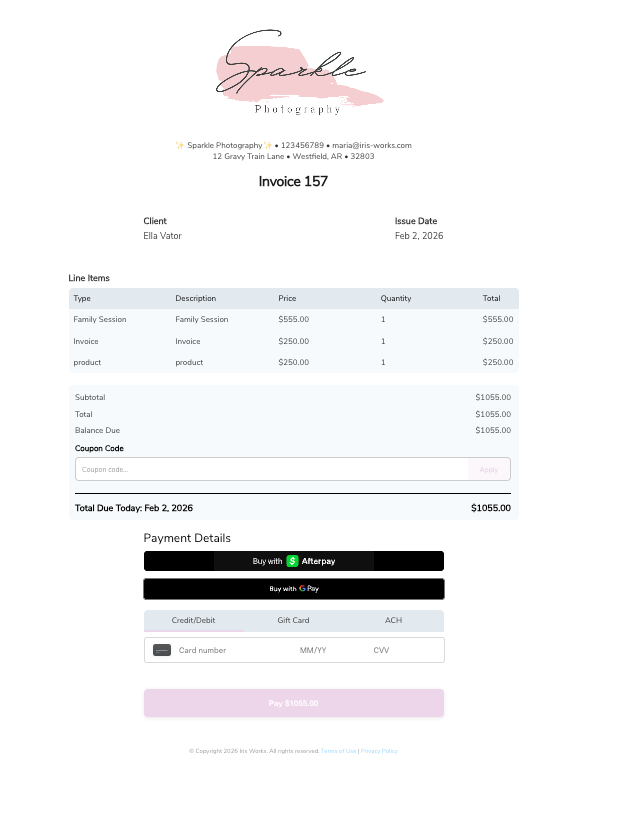
When it comes to payments, Iris Works helps you keep everything connected. Automate your invoices and accept payments through supported payment processors, giving your clients a secure and simple way to pay. Send an
invoice, collect payments online, and keep everything organized in one place.
Calendar Integrations
Sync Your Schedule With the Calendar You Already Use
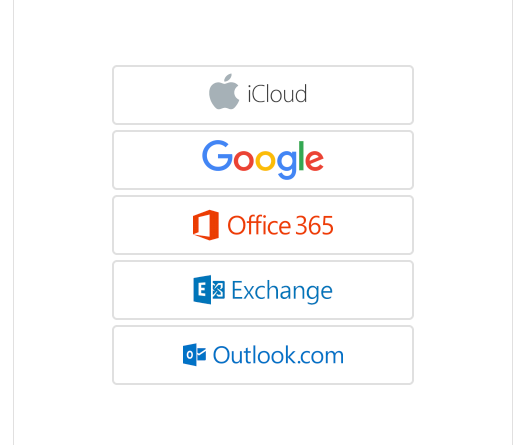
Iris Works integrates with your personal calendar, so your bookings and events stay in sync without manual double entry. Iris Works can check your personal calendar to help make sure you don't double book yourself. We support iCloud, Google Calendar, Office 365, Exchange, and Outlook.
ACCOUNTING INTEGRATIONS
Keep Your Books Balanced Without Extra Data Entry
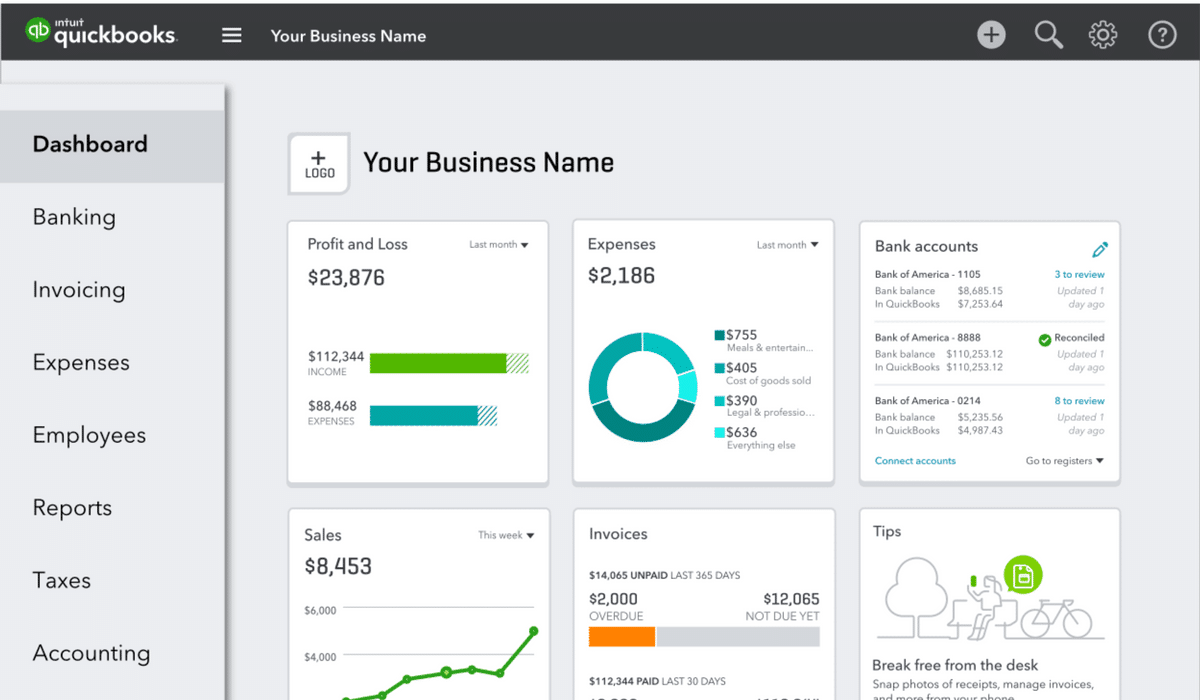
Our relationship with QuickBooks keeps your business accounting running smoothly. Link QuickBooks to your Iris Works account and manage your bookkeeping alongside your bookings, contracts, and invoices, all from one place.
Fundy Designer Integration
Import Your Fundy Designer Invoices Directly Into Iris Works
If you use Fundy Designer, you can import your invoices straight into your Iris Works account, so you don't have to manually re-create them or track pricing in two separate places.

Integration Overview
A quick look at every partner Iris Works connects with, organized by category, so you can see at a glance which tools work together with your account.

Get Everything Done in One Place
Connect the payment processor, accounting software, and design tools you already use, and stop switching between tools to run your photography business.
No credit card required • Full access to all features • Cancel anytime
Frequently Asked Questions About Iris Works Integrations
What is Iris Works' preferred partner for payments?
Square is Iris Works' preferred partner for payment processing. You can automate invoices and accept payments directly through Square from within your Iris Works account.
Does Iris Works work with Stripe?
Yes. Iris Works fully supports Stripe as a payment processor.
Does Iris Works work with PayPal?
Yes. Iris Works also fully supports PayPal as a payment processor.
How does the QuickBooks integration work?
You link your QuickBooks account to your Iris Works account, which lets you manage your accounting alongside your bookings, contracts, and invoices in one place.
Can I import invoices from Fundy Designer?
Yes. If you use Fundy Designer, you can import your invoices directly into your Iris Works account instead of re-creating them by hand.
Do I need a separate account with Square, Stripe, or PayPal to connect them to Iris Works?
Yes. You'll need an account with whichever processor you choose (Square, Stripe, or PayPal) to connect the integration. Once connected, you can accept payments and automate invoicing directly through Iris Works.
Is there a cost to using these integrations?
Integration availability is included with your Iris Works plan. Fees charged by Square, Stripe, PayPal, Pic-Time, ShootProof, or QuickBooks for their own services are set by those companies, not Iris Works.