


How to Choose Photography Gallery Software
To choose photography gallery software, compare five things: the client experience, how it fits your workflow, branding, storage, and total cost over a year. The right platform makes delivery feel effortless for clients and takes work off your plate, not just stores files.
The end of the year is a natural time to make this decision. Busy season is wrapping up, you have a clear picture of how many galleries you delivered, and many platforms run their best pricing of the year around Black Friday. Choosing well now means starting next year with a delivery system you will not have to replace.
This guide gives you a practical checklist, the questions worth asking, and the red flags to watch for.
What is photography gallery software?
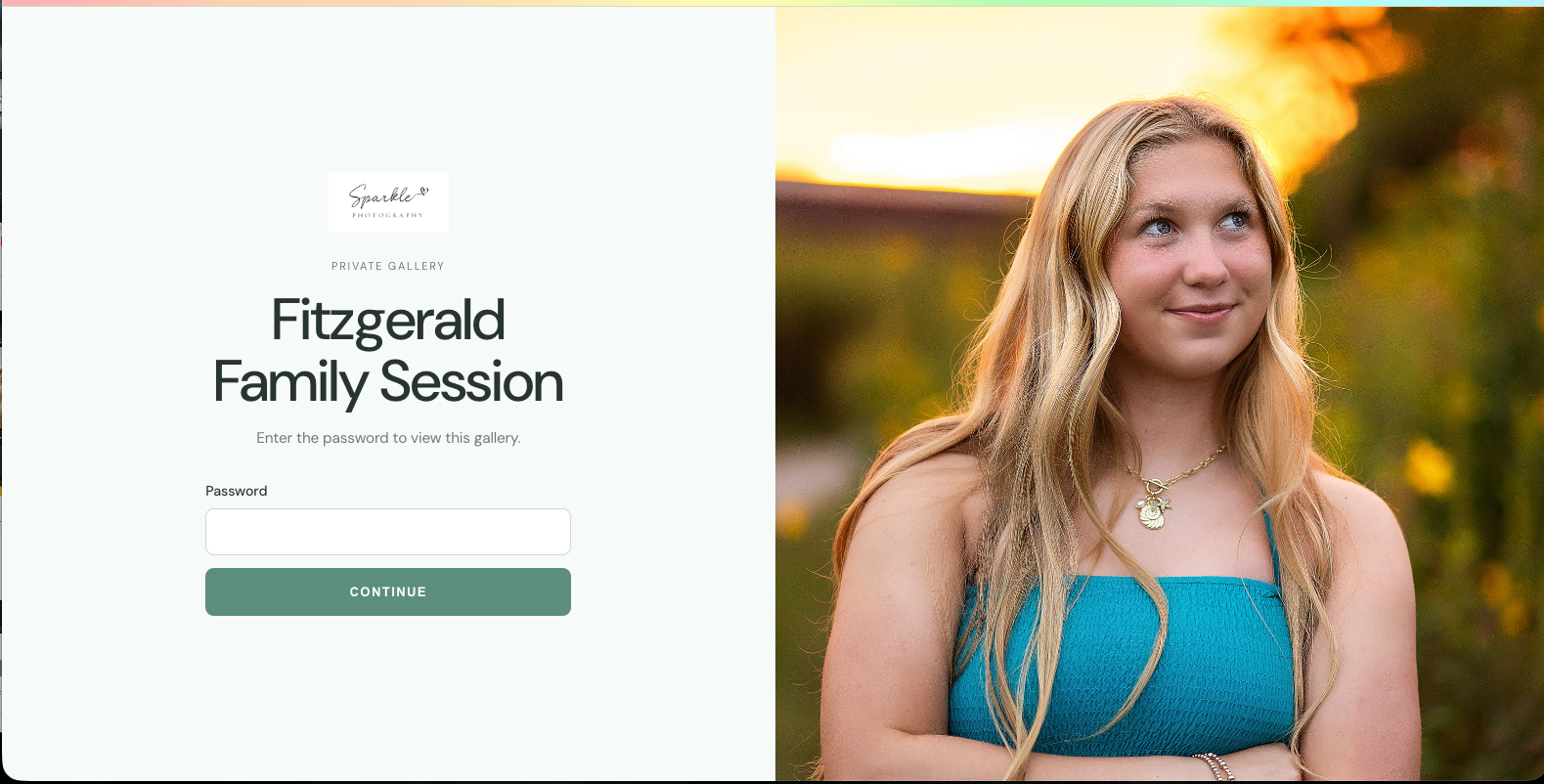
Photography gallery software is a platform for delivering finished images to clients through private, branded online galleries. Clients open a link to view, favorite, download, and share their photos. Some platforms are standalone gallery tools, while others, like Iris Works, build galleries into a full studio management system.
That difference matters more than it first appears. A standalone gallery tool handles delivery. An integrated platform connects delivery to your bookings and clients, so galleries are part of your workflow instead of a separate step.
What features matter most in gallery software?
The features that matter most are easy client access, clean presentation, workflow integration, branding, organization tools, and enough storage to grow. Everything else is a bonus. Start with these essentials and weigh extras only after a platform covers the basics well.
Here is what to look for in each area.
Client experience. Can clients open their gallery without creating an account? Does it look good on a phone? Every extra step between your client and their photos is a chance for them to give up or get frustrated.
Presentation. Your images should be the star. Look for clean, uncluttered layouts that let the work breathe, not busy pages crowded with buttons and banners.
Workflow fit. How does a gallery get created? If it means re-entering client details you already have somewhere else, that time adds up across every session. Look for galleries that connect to your bookings and client records.
Branding. Your gallery is the last impression of your service. It should carry your logo and style so clients and the people they share it with remember who took the photos.
Organization. Sets or sections make larger galleries easy to navigate. Favorites help clients choose images for prints or albums.
Integrations. If you edit in Lightroom, a direct connection between your edits and your galleries removes a repetitive export and upload step.
Storage. Check how much is included, what happens when you run out, and what more costs.
Roadmap. Ask what the platform is building next. Features like print sales or video delivery may matter to you in a year, even if they do not today.
A quick comparison checklist
Use this table when you look at any gallery platform, including the one you use now.
| Area | Question to ask | Why it matters |
|---|---|---|
| Client access | Do clients need an account or password? | Fewer steps means more clients actually open and share their gallery |
| Workflow | Can galleries be created from bookings or client records? | Removes double data entry |
| Branding | Does the gallery carry my logo and style? | Builds recognition and referrals |
| Organization | Can I group images into sets and let clients mark favorites? | Makes large galleries easy to use |
| Integrations | Does it connect to Lightroom? | Saves time on every session |
| Storage | What is included and what does more cost? | Prevents surprise bills as you grow |
| Total cost | What do I pay across all tools for a full year? | Shows the real price, not the headline price |
| Roadmap | What features are coming next? | Tells you whether the platform will grow with you |
Is free or included gallery storage enough?
Included storage is enough for many photographers to start, especially if you deliver curated galleries and archive older ones. Your real need depends on how many sessions you shoot, how many images you deliver, and how long galleries stay online. Estimate it from your own numbers before you buy more.
A simple way to estimate:
- Look at the average size of a recent gallery on your current platform or hard drive.
- Multiply by the number of galleries you deliver in a typical year.
- Decide how long galleries stay live. If you archive after a few months, you only need room for the galleries that are active at once.
File sizes vary widely with your camera and export settings, so your own data beats any rule of thumb. If you deliver both high-resolution and web-sized files, count both.
Should you choose a monthly or yearly plan?
Choose a yearly plan when you are confident in the platform and want the lowest total cost. Choose monthly when you are still testing or your volume is unpredictable. Yearly plans usually cost less overall, and seasonal sales like Black Friday often make the gap even bigger.
A good middle path: try the platform on a few real sessions first. Once you have delivered actual galleries to actual clients and you like the result, switch to yearly to lock in the savings.

Red flags when comparing gallery platforms
Watch for these before you commit:
- Clients must create accounts. It sounds secure, but it stops people from opening their photos, especially relatives they share the link with.
- No connection to your client records. Every gallery means re-typing names and emails you already have.
- Unclear storage pricing. If you cannot easily find what more storage costs, expect surprises later.
- Cluttered gallery design. If the platform's own buttons and branding compete with your images, your work looks less premium.
- No clear roadmap. A platform that is not building anything new may not keep up with what you need next year.
How Iris Works Galleries measures up
Iris Works Galleries was built for photographers who want delivery inside the same system as their bookings and clients. Here is how it lines up with the checklist above.
- Client access: Clients open galleries with a link and never need an account. You can require a name and email if you want to know who is viewing.
- Workflow: Galleries can auto-create when a client books, using the preset you choose. You can also create them from a booking invitation, a new event, a client profile, or the Galleries page.
- Flexibility: Standalone galleries do not need a client or session date, which works well for portfolio or vendor galleries.
- Presentation: An editorial, less-is-more design keeps the focus on your images.
- Integrations: A Lightroom integration connects editing to delivery.
- Storage: Every Iris Works plan includes Galleries with 3 GB of storage at no extra cost, with add-ons when you need more.
- Roadmap: Storefront for print sales, AI facial recognition, and video storage and delivery are coming soon.
Make your decision before December 1
If you are evaluating gallery software this season, Iris Works Black Friday pricing runs through December 1. New users get 30% off all yearly plans. Existing Iris Works users get 30% off the yearly Galleries add-on or 15% off monthly. It is a great time to start next year with your bookings, clients, and galleries in one place.
Frequently asked questions
What is the best photography gallery software?
The best gallery software is the one that makes delivery easy for your clients and fits your workflow. If you already manage bookings and clients in one system, a platform with galleries built in, like Iris Works, saves the most time.
Do clients need an account to view an Iris Works gallery?
No. Clients open their gallery with a link. You can require a name and email before entry if you want to know who is viewing.
How much storage comes with Iris Works Galleries?
Every Iris Works plan includes Galleries with 3 GB of storage at no extra cost. Additional storage and features are available as add-ons.
Can I sell prints through Iris Works Galleries?
Not yet. Storefront, which will support print sales, is coming soon, along with AI facial recognition and video storage and delivery.
When does the Iris Works Black Friday sale end?
The sale runs through December 1. New users get 30% off all yearly plans, and existing users get 30% off the yearly Galleries add-on or 15% off monthly.
Should I switch gallery platforms in the middle of busy season?
You do not have to switch all at once. Start delivering new sessions on the new platform and let existing galleries on your old platform run their course.
Choose the platform you will not outgrow
Gallery software is not just a place to put photos. It is the last part of your client experience and one of the tools you will use most all year. Use the checklist, test with real sessions, and pick the platform that fits how you already work. Start your Iris Works free trial or add Galleries today before Black Friday pricing ends on December 1.
Recent posts