

Maximizing Your Client Communication With Iris Works Templates
Effective communication is the cornerstone of a successful photography business. From the initial inquiry to final gallery delivery, keeping clients informed and engaged is essential. However, drafting emails for every interaction can be time-consuming. That's where Iris Works' email templates come in. By creating and using templates effectively, you can streamline your communication, save time, and provide a consistent, professional client experience.
Why Email Templates Matter for Photographers
Email templates are more than a time-saver, they're a powerful tool for maintaining professionalism and consistency across all client interactions. With templates, you can:
- Respond to inquiries promptly.
- Share booking details and session information effortlessly.
- Ensure no important details are missed.
By automating routine communications with Iris Works, you can focus on delivering exceptional photography and client service, instead of spending your evenings rewriting the same messages you have already sent dozens of times before.
Tips for Creating Effective Email Templates
Focus on Clarity and Professionalism
Your email templates should be clear, concise, and reflect your brand's tone. Use professional language while keeping the message friendly and approachable. Ensure the key details stand out so clients know exactly what to expect, rather than having to reread a message twice to find the actual information they needed.
Personalize Where Possible
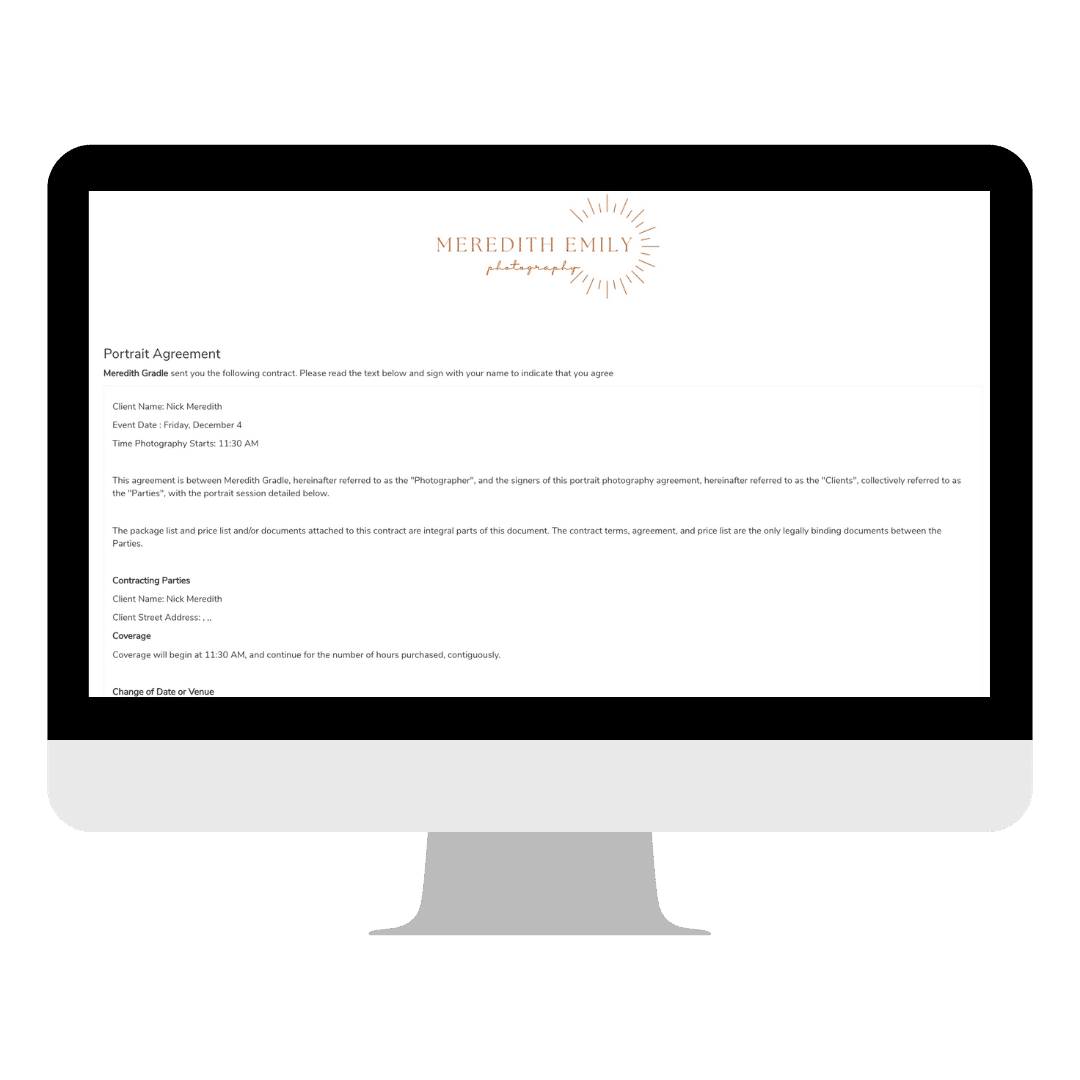
Iris Works allows you to include dynamic fields in your templates, such as client names, session dates, or locations. This personalization ensures each email feels tailored, even though it's automated. For example:
"Hi [Client Name], I'm excited to confirm your session on [Date] at [Location]."
This small touch makes a big impact on client relationships, since a message that includes a client's actual details rarely feels like a form letter, even when it technically is one.
Use a Consistent Structure
Create a consistent structure for all your templates to make communication seamless. A typical email might include:
- A friendly greeting.
- The purpose of the email.
- Specific details or action items.
- A warm closing with your contact information.
Consistency helps clients know what to expect from your communications, so every message feels like it is coming from the same organized, professional business.
Include Links and Attachments Thoughtfully
For emails that involve booking, payments, or gallery access, include links or attachments where appropriate. With Iris Works, you can embed links to:
- Booking calendars.
- Payment portals.
- Session preparation guides.
This makes it easy for clients to take action without back and forth emails, since everything they need to move forward is already in front of them.
Making the Most of Iris Works Templates
Automate Routine Messages
Templates are ideal for routine communications like:
- Inquiry responses: Ensure every potential client receives a prompt, professional reply.
- Booking confirmations: Include all necessary session details in one organized email.
- Payment reminders: Keep your invoicing process on track without manual follow-ups.
By automating these tasks, you can free up time for creative and strategic work, the parts of your business that a template can never replace.
Tailor Templates for Different Session Types
Whether you're shooting weddings, family portraits, or mini sessions, customize templates to fit each session type. Include specific preparation tips or FAQs for each kind of shoot to anticipate client needs and streamline their experience, so clients arrive already knowing what to expect from their particular type of session.
Review and Update Regularly
Client expectations and your business evolve over time, so it's important to review your templates periodically. Update outdated information, refresh your tone, or add new details to keep your communication relevant and polished, rather than letting a template quietly go stale for months or years without anyone noticing.
Benefits of Using Email Templates with Iris Works
Using Iris Works email templates helps photographers:
- Save time on repetitive tasks.
- Maintain clear, consistent communication across all clients.
- Reduce errors and ensure all key details are included.
- Provide a professional, seamless client experience from start to finish.
These benefits not only improve your efficiency but also enhance your reputation as a photographer who values professionalism and client care.
Conclusion
Maximizing your client communication is essential for growing your photography business, and Iris Works' email templates are a powerful tool to achieve this. By creating clear, personalized, and consistent templates, you can streamline your workflow and provide an exceptional experience for every client. With Iris Works, effective communication is just a few clicks away, freeing you up to focus on what you love most, capturing beautiful moments.
Frequently Asked Questions
How does Iris Works help photographers personalize automated emails?
Iris Works allows dynamic fields, such as a client's name, session date, or location, to be added to email templates, so each message feels personalized even though it is sent using a saved template.
Can I create different email templates for different types of sessions?
Yes. Iris Works lets you build separate templates for different session types, such as weddings, family portraits, or mini sessions, so each one can include relevant details or preparation tips.
Does Iris Works send an automated response when a new lead inquires?
Yes. Iris Works can send a single automated email as soon as someone submits an inquiry, using a template you have created, so every potential client receives a prompt, professional reply.
Can Iris Works automate payment reminders for outstanding invoices?
Yes. Payment reminders can be included as part of your invoicing process in Iris Works, helping keep payments on track without needing to send manual follow-up messages.
How do I keep my email templates in Iris Works from becoming outdated?
Iris Works lets you edit your saved templates at any time, so you can periodically review and update them to reflect current pricing, tone, or session details as your business evolves.
Recent posts