

When Your Workflow Starts Breaking
Growth does not break your business overnight.
It shows up in small ways first.
You forgot to send a questionnaire. A client follows up asking what is next. An invoice goes out later than it should. You spend 10 minutes searching for a contract you know you already sent.
Individually, these feel manageable.
Together, they create friction in your business and inconsistency in your client experience.
Most photographers assume they need more time or better organization.
In reality, they need a better workflow.
A photography CRM helps you turn scattered processes into a structured system that actually supports your growth.
What a Strong Workflow Actually Looks Like
A strong workflow is not complicated. It is defined and repeatable.
Every client moves through the same stages:
- Inquiry
- Booking
- Pre-session
- Session
- Delivery
- Follow-up
At each stage, there are specific actions:
- Emails that go out
- Tasks that need to be completed
- Information that needs to be collected
If you cannot clearly explain what happens at each step, your workflow is not fully built.
This is where most businesses struggle.
They know what needs to happen, but they have never documented it or turned it into a system.
Where Workflows Break Down in Real Life
Let’s look at what this actually looks like in a growing photography business.
You receive a new inquiry. You respond manually. You send pricing. You wait. If they respond, you send a contract and invoice separately. If they do not respond, you may or may not follow up.
Now multiply that by 20 or 50 active inquiries.
At the same time, you have booked clients:
- Some have signed contracts
- Some have paid
- Some need prep emails
- Some are waiting on gallery delivery
Without a defined workflow, everything becomes reactive.
You are constantly asking:
- What needs to happen next?
- Did I already send that?
- Who still needs something from me?
This is where mistakes happen.
Not because you are disorganized, but because your system does not support your workload.
How a Photography CRM Fixes This
A photography CRM allows you to take everything you are currently doing manually and turn it into a process that runs automatically.
Instead of managing each client individually, your system manages the process for you.
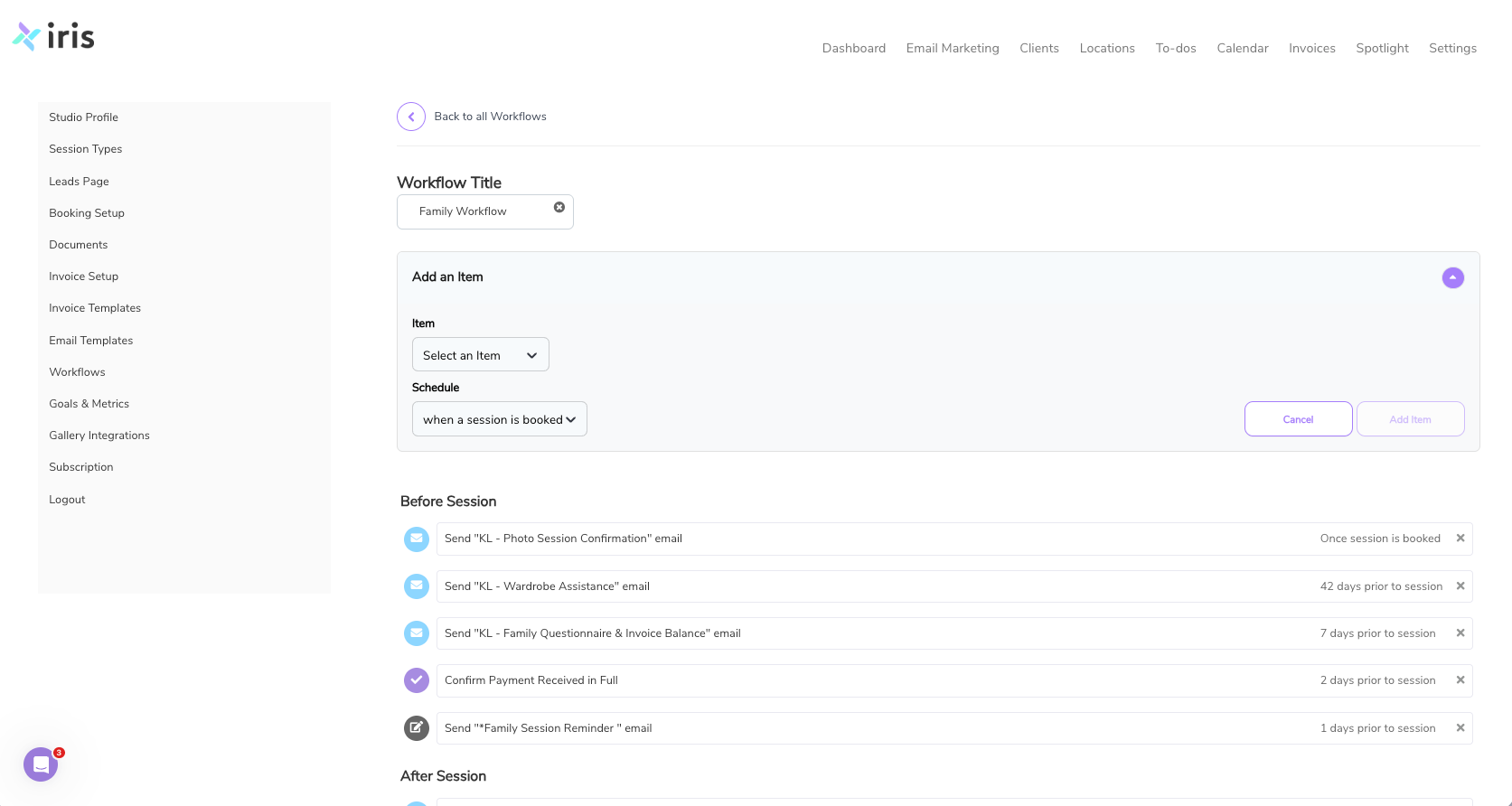
Example: A Simple Booked Client Workflow
Once a client books:
- They receive a confirmation email immediately
- A questionnaire is sent automatically
- A prep guide is scheduled to go out a few days before the session
- A reminder email is sent the day before
You did not manually send any of these.
But the client experience feels consistent and intentional.
Building Your First Workflow Step by Step
If you want to fix your workflow, start small.
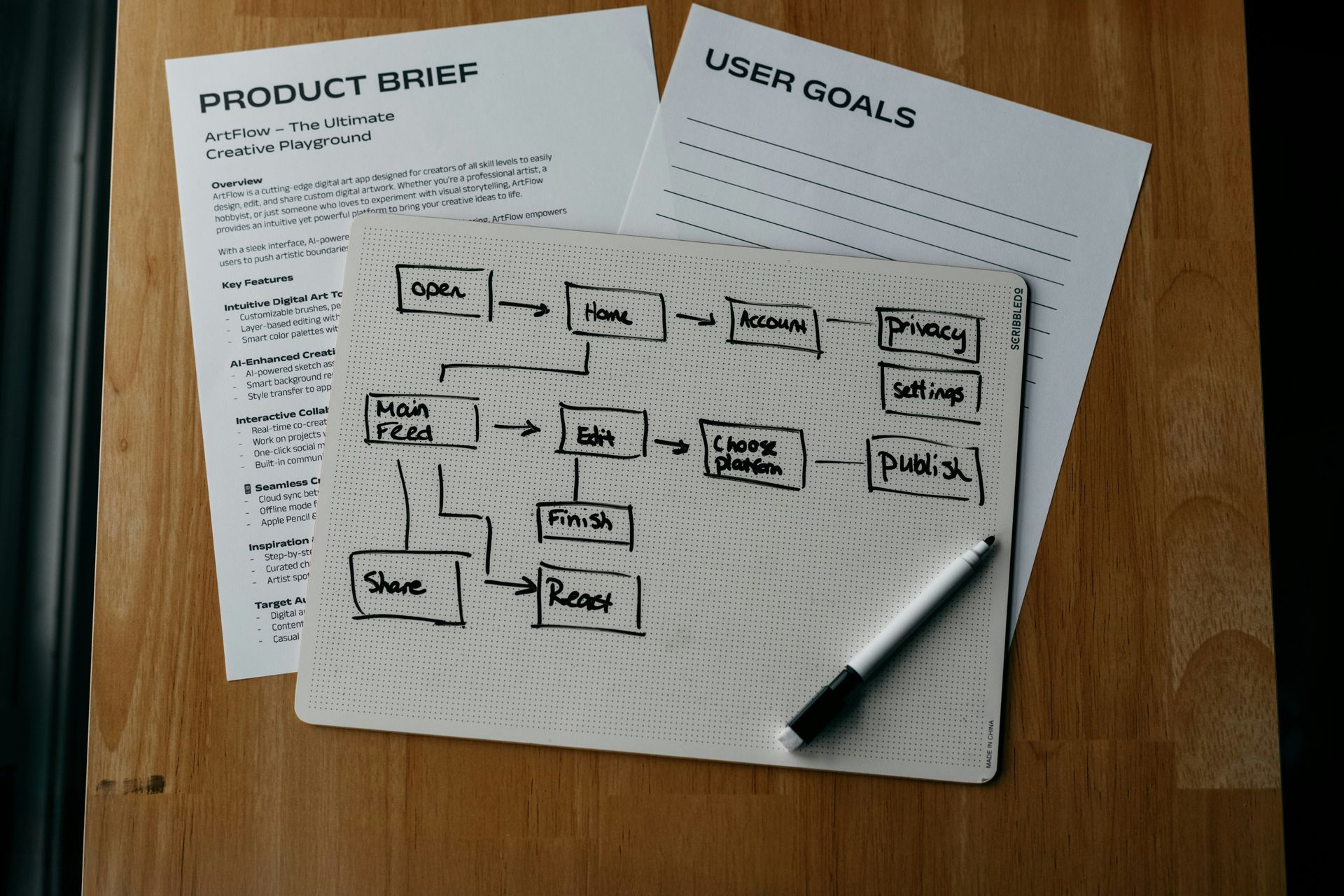
Step 1: Map Your Current Process
Write down what happens after a client inquires.
Do not overthink it. Just list the steps.
Step 2: Identify Gaps
Look for:
- Steps you forget
- Emails you send inconsistently
- Tasks that take too much time
Step 3: Build One Workflow
Start with either:
- New inquiries or Booked clients
Set up:
- An automatic response
- A follow-up reminder
- One additional step (like a questionnaire or prep email)
Step 4: Test and Adjust
Run your next few clients through this workflow.
Adjust timing, wording, and steps as needed.
Then expand.
Why This Matters for Growth
A defined workflow gives you:
- Consistency across every client
- Time back in your week
- Fewer missed steps
- Less mental load
More importantly, it allows you to scale.
Without a system, more clients equals more stress.
With a system, more clients equals more revenue without chaos.
Take the Next Step
If your business feels scattered, do not try to fix everything at once.
Build one workflow inside Iris Works and let your system start working for you.
Frequently Asked Questions
How do I know if my workflow is broken?
If you are repeating tasks manually, missing steps, or relying on memory, your workflow needs structure.
Do I need multiple workflows?
Eventually, yes. But start with one and expand as your business grows.
Can I customize workflows for different sessions?
Yes. You can create different workflows for weddings, families, seniors, or any service you offer.
How long does it take to set up?
Most photographers can build their first workflow in a few hours and improve it over time.
What is the biggest benefit of using a photography CRM for workflows?
Consistency. Your clients receive the same experience every time, and you spend less time managing the process.
Recent posts