

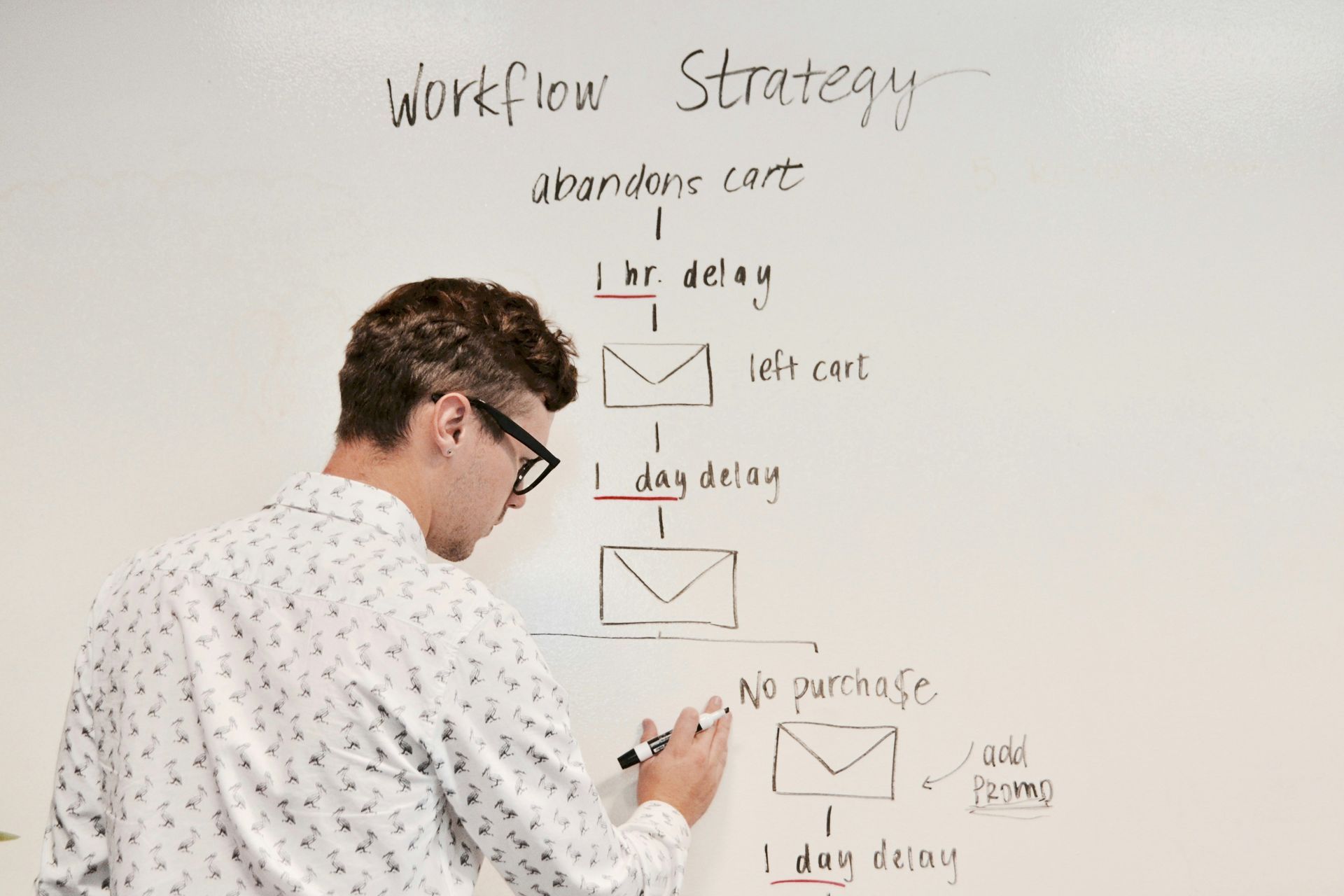
Building Automated Workflows That Survive Peak Season
Peak season doesn't just test your creativity, it pushes your time management to the limit. With back to back sessions, editing marathons, and nonstop emails, it's easy to feel overwhelmed. That's why now is the perfect time to lean on one of Iris Works' most powerful features: automated workflows.
If you've never set up a workflow before, or if yours could use a refresh, this guide will walk you through exactly how to build one that works for you, so your busiest weeks feel structured instead of chaotic.
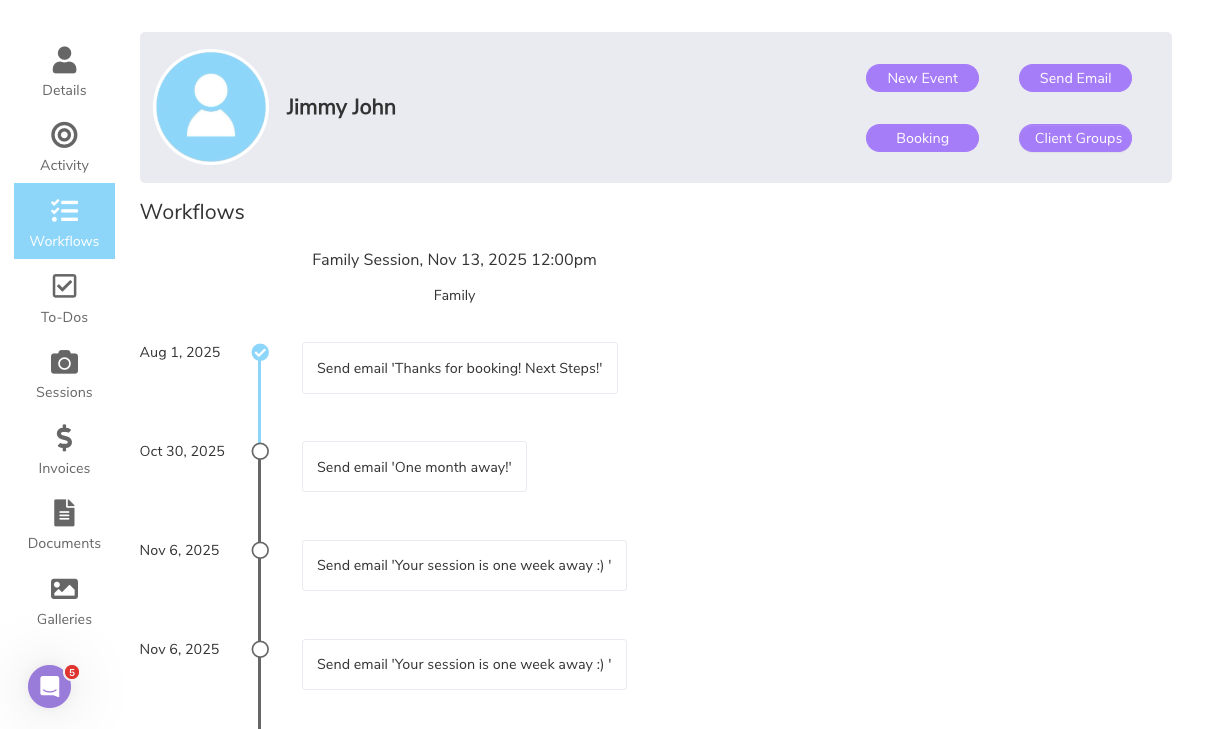
What Is a Workflow in Iris Works?
A workflow is a series of automated steps that help you manage client communication and back end tasks for a booked session. Once triggered, Iris Works will send emails, assign questionnaires or contracts, and even remind you of manual to-dos, no effort required on your part once the workflow is built.
You can build different workflows for different types of sessions, like weddings, seniors, or family minis, and reuse them over and over again, so you are never starting from scratch with a new booking.
Step 1: Map Out Your Client Journey
Before you dive into Iris, sketch out your typical session process. Think through every step from the moment a session is booked:
- Booking and contract
- Session reminders
- Pre-session questionnaire
- Gallery delivery
- Follow-up or review request
This outline becomes your foundation for building a workflow. Writing it out first also helps you spot steps you have been doing manually that could easily be automated instead.
Step 2: Create Your Email Templates
Workflows in Iris pull from your saved templates. Make sure you have emails drafted for each stage of the session process. For example:
- "Your session is coming up soon"
- "Gallery delivery and next steps"
- "We'd love a review!"
Pro tip: Add personalization using smart fields so each message feels customized, even when automated. A well built template can feel just as personal as something you typed from scratch, without costing you the time.
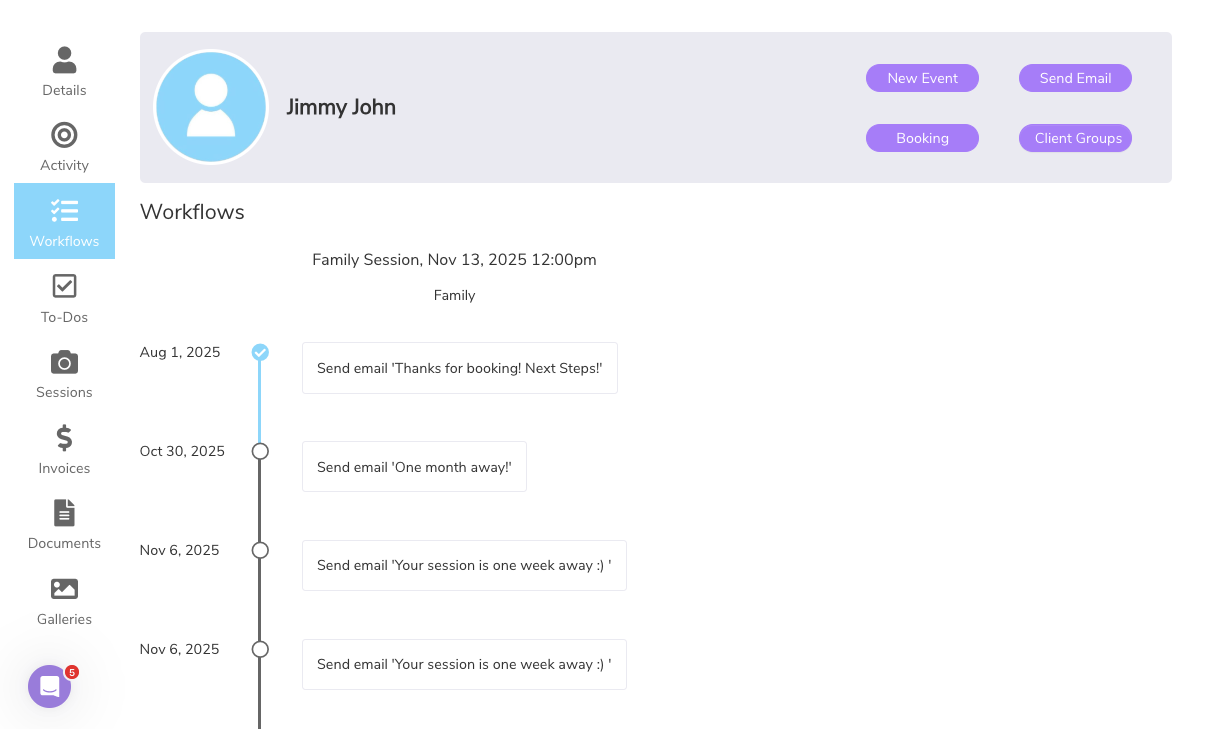
Step 3: Build Your Workflow in Iris
Head to the "Workflows" section in Iris and create a new one. You'll be able to:
- Assign emails to send automatically at key times (e.g. 3 days before session)
- Add tasks for yourself (like confirming location or backing up images)
- Attach contracts, invoices, or questionnaires to send on schedule
You can tie the workflow to specific job types or assign it manually when you create a new job, giving you flexibility for one-off sessions that do not fit your standard categories.
Step 4: Test and Refine
Once your workflow is set up, do a test run. Set up a test job, apply the workflow, and check your email timing and task assignments. You can edit the workflow at any time and even create variations depending on the type of client experience you want to offer, whether that means a slightly different tone for weddings versus family sessions.
Why Workflows Matter During Peak Season
When your calendar is full, even small admin tasks become stressful. Automating your emails and forms ensures nothing slips through the cracks, and it gives you space to focus on your sessions, not your inbox.
Whether you're handling 10 jobs or 50, workflows help you stay professional, responsive, and sane, especially during the exact weeks when there is the least room for anything to fall through.
Frequently Asked Questions
Do workflows in Iris Works start at the inquiry stage or once a session is booked?
Workflows in Iris Works are built around booked sessions. They begin once a job is created, handling steps like reminders, questionnaires, and gallery delivery, rather than the initial inquiry stage.
Can I build different workflows for different session types?
Yes. Iris Works allows you to create separate workflows for different types of sessions, such as weddings, seniors, or family minis, and reuse each one whenever a matching job comes in.
How does Iris Works personalize automated emails within a workflow?
Workflows pull from your saved email templates, and smart fields can be used to personalize each message automatically, so clients receive something that feels tailored even though it was sent on autopilot.
Can a workflow in Iris Works remind me of tasks I need to do manually?
Yes. Workflows can include tasks assigned to you, such as confirming a location or backing up images, alongside the automated emails and documents sent to the client.
Should I test a new workflow before relying on it for real clients?
Yes. Iris Works allows you to create a test job, apply your workflow, and review the timing of emails and tasks before using it for actual bookings, which helps catch any adjustments needed ahead of time.
Recent posts