


Automation is the feature that transforms a photography CRM from a helpful organizer into a genuine business partner. When your repetitive tasks run themselves, you reclaim hours every week and free your mind from the constant pressure of remembering what needs to happen next. Workflow automation is how photographers scale their businesses without scaling their stress.
This guide explains how to automate your workflows in Iris Works, walking through what to automate, how to set it up, and how to keep your automated communication feeling personal. Once your workflows are automated, your business begins to run itself in the best possible way.
What Workflow Automation Really Means
Workflow automation means setting up your client communication and tasks to happen automatically based on triggers and timing, rather than you executing each step by hand. When a client books, a confirmation goes out on its own. A few days before the session, the prep guide sends itself. The day before, a reminder fires automatically.
In other words, you design the process once, and then the system runs it for every client. Automation does not replace your judgment or personality. It simply handles the predictable, repetitive execution so you do not have to.
Why Automation Is a Game Changer
The benefits of automation compound quickly. First, it saves enormous time by eliminating the manual sending of routine messages. Second, it ensures consistency, so every client receives the same professional communication at the right moments. Third, it prevents things from falling through the cracks, because the system never forgets a step.
Perhaps most importantly, automation reduces mental load. Instead of carrying a running list of who needs what, you trust the system to handle it. That relief is transformative, especially during busy seasons when manual tracking becomes overwhelming.
Step 1: Identify What to Automate
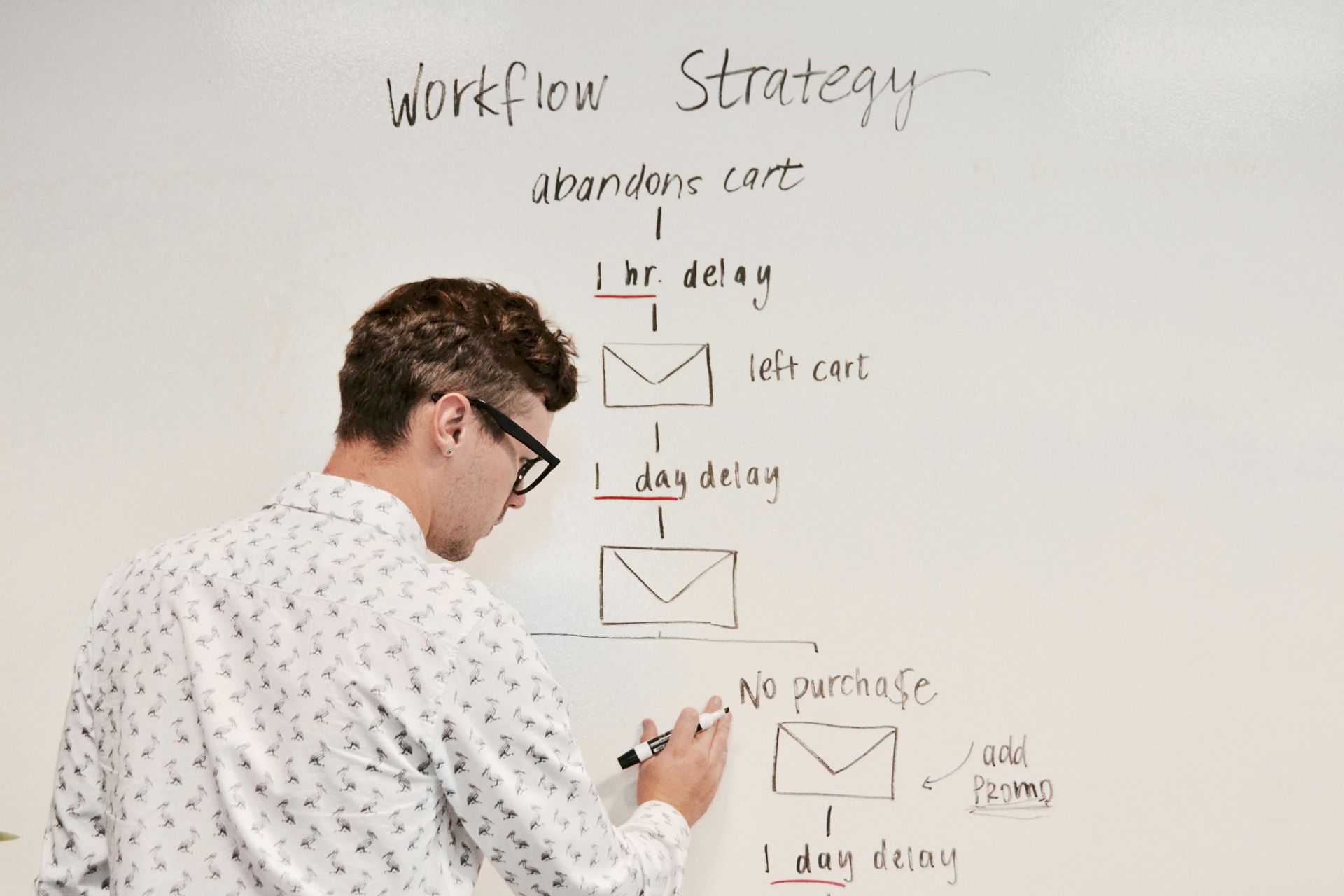
Start by looking at the tasks you do repeatedly for every client. The best candidates for automation are the predictable, routine communications: inquiry responses, booking confirmations, prep guides, reminders, delivery messages, and follow ups. These happen the same way for nearly every client, which makes them perfect for automation.
Not everything should be automated. Highly personal or situation specific communication is often better handled by hand. The goal is to automate the repetitive tasks so you have more time for the personal touches that matter.
Step 2: Build Your Workflow in Iris Works
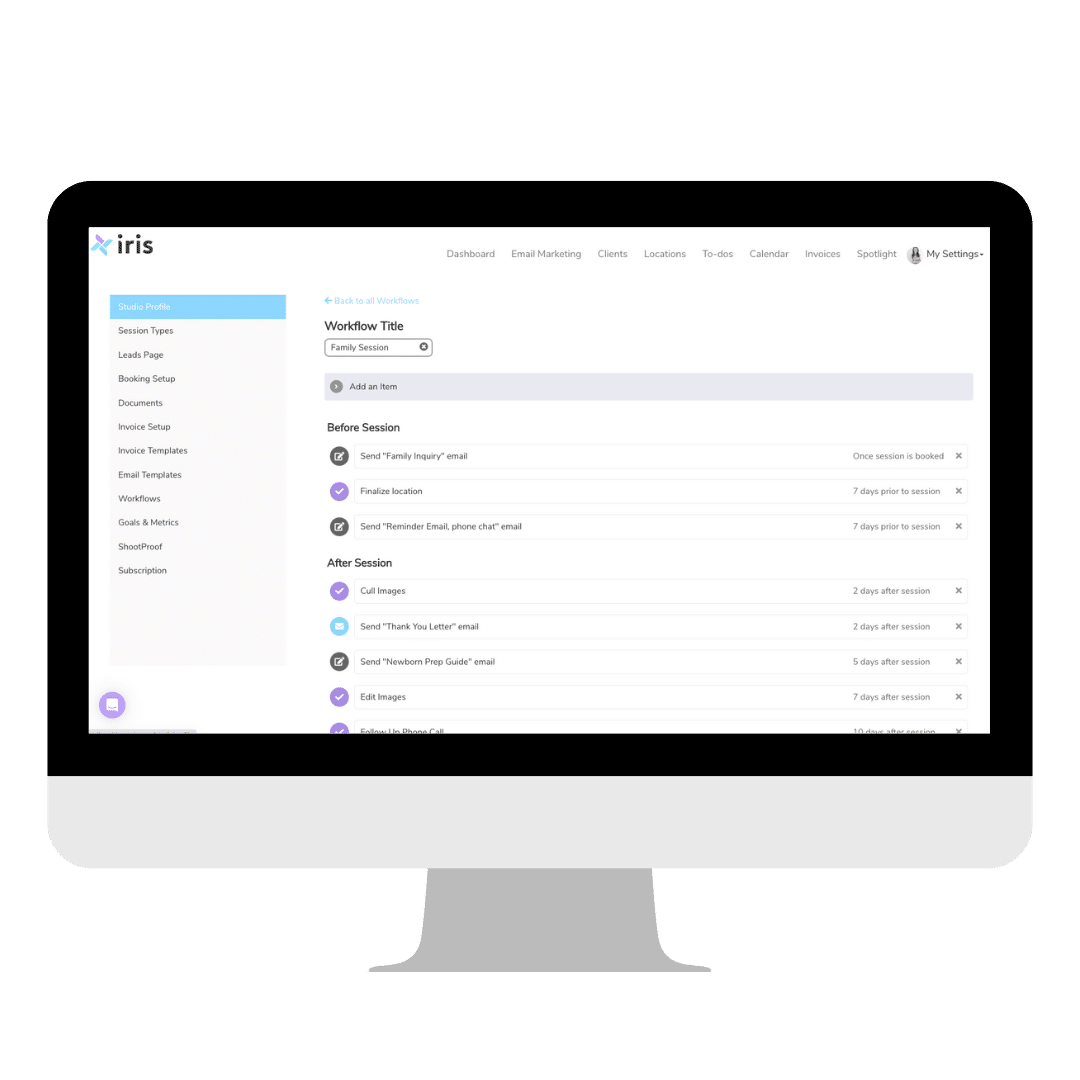
In Iris Works, you create a workflow that lays out your steps in sequence with their timing. Each step is tied to a trigger, such as a booking, or to a time relative to the session, such as three days before. You define the sequence once, and it becomes the blueprint the system follows for every client you apply it to.
Building the workflow is where you translate your mapped out process into an automated system. Take the time to set the timing thoughtfully, because well timed communication is what makes the automation feel seamless and professional.
Step 3: Attach Your Templates
For each communication step in your workflow, attach the email template that should be sent. Because you write these templates in your own voice, the automated messages still sound like you even though they send automatically. This is the key to automation that feels personal rather than robotic.
Having your templates connected to your workflow means the right message goes out at the right time, every time, without you composing or sending anything in the moment.
Step 4: Set Your Triggers and Timing
Define what starts your workflow and how each step is timed. A workflow might begin when a client books and then progress with each step scheduled relative to the session date. Getting the triggers and timing right ensures that clients receive communication exactly when it is most useful, not too early and not too late.
Thoughtful timing is what separates automation that delights clients from automation that annoys them. A reminder that arrives the day before is helpful, while one that arrives an hour before is stressful. Set your timing with the client experience in mind.
Step 5: Apply the Workflow to Your Clients
Once your workflow is built, applying it to a client sets the entire automated sequence in motion. From that point, the system handles the communication on schedule while you focus on other work. You can apply the same workflow to every new client, giving each one a consistent, professional experience automatically.
This is the moment automation pays off. With a single action, you set up an entire client journey that will unfold on its own, freeing you from executing each step manually.
Step 6: Keep Automation Personal
The biggest concern photographers have about automation is that it will make their business feel impersonal. The solution is to write your templates thoughtfully in your own natural voice. Automation controls the timing and delivery, but your personality carries through the words. Done well, clients cannot tell the difference between an automated message and one you wrote just for them.
You can also leave room for personal touches alongside your automation, reaching out individually when a situation calls for it. Automation handles the routine so you have more time and energy for the moments that benefit from a personal touch.
Building a Business That Runs Itself
When your workflows are automated, your business gains a kind of quiet momentum. Communication keeps moving, clients stay informed, and tasks get done without constant effort from you. This is what allows photographers to take on more work, reduce stress, and reclaim time for creativity and life outside the business.
Automation is ultimately about sustainability. The administrative side of photography is what burns most photographers out, and automating it removes that burden. With Iris Works handling the repetitive execution, you get to focus on the parts of the work that drew you to photography in the first place.
Measuring the Impact of Your Automation
Once your workflows are automated, it is worth paying attention to the difference they make so you can continue improving. The most immediate impact is time saved. Notice how many hours you reclaim each week now that routine messages send themselves, and consider how you want to reinvest that time, whether into more sessions, better marketing, or simply more rest.
You should also see improvements in your client experience, reflected in smoother sessions, fewer confused clients, and more positive feedback. When every client receives timely, consistent communication, they feel more cared for, and that shows up in reviews and referrals. Watch for these signals as evidence that your automation is working.
Automation also tends to reduce errors and missed steps, so keep track of whether things that used to slip through the cracks are now handled reliably. Fewer forgotten reminders and missed follow ups mean a more professional business. As you observe these results, look for additional opportunities to automate. Most photographers start with the basics and gradually expand their automation as they see the benefits, building an increasingly efficient business over time. Treat your automation as something you refine continually rather than set once, and its impact will keep growing.
How Iris Works Makes Automation Simple
Iris Works was built specifically to make workflow automation accessible for photographers, with no technical skill required. You build your workflow, attach your templates, set your timing, and apply it to clients, and the system takes care of the rest. Everything, from inquiries to follow ups, runs from one connected platform designed around how photography businesses actually operate.
The result is repetitive tasks handled automatically, consistent communication for every client, and a business that no longer depends on your memory to run smoothly. That is the promise of automation, and it is exactly what Iris Works delivers.
Frequently Asked Questions
How do I automate my workflows in Iris Works?
In Iris Works, you build a workflow with your steps and timing, attach your email templates, set your triggers, and apply it to clients. From there the system automatically carries out the communication on schedule, so you do not send each message by hand.
What tasks can Iris Works automate for photographers?
Iris Works can automate the repetitive parts of your client communication, including inquiry responses, booking confirmations, prep guides, reminders, delivery messages, and follow ups. These happen the same way for most clients, which makes them ideal for automation.
Will automated emails from Iris Works still feel personal?
Yes. In Iris Works you write your own templates in your natural voice, so automated messages still sound like you. Automation controls the timing and delivery while your personality carries through the words, so clients feel personally cared for.
How does automation in Iris Works help reduce my stress?
By handling repetitive tasks automatically, Iris Works removes the mental load of remembering what each client needs next. The system keeps communication moving consistently, which reduces the administrative burden that causes most photographer burnout.
Recent posts